When diving into Python development, one of the first hurdles you might encounter is managing your project environments. Isolating your Python environments is important for preventing dependency conflicts and ensuring that each project has the libraries it needs without interference from others. The most common tool for this purpose is venv, which is included in the standard library from Python 3.3 onward.
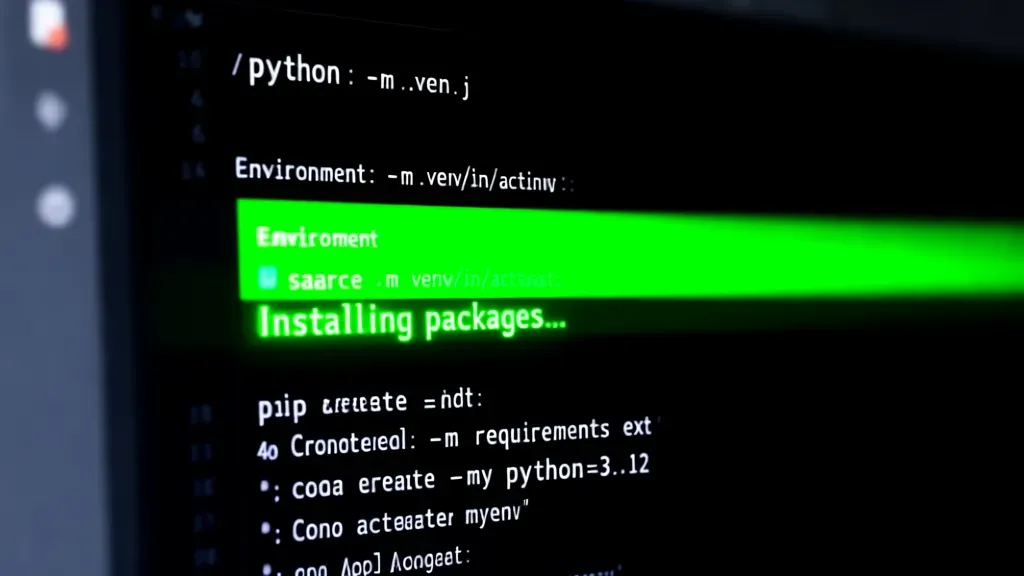
To create a new isolated environment, navigate to your project directory in the terminal and run the following command:
python -m venv myenv
This command generates a directory named myenv containing a fresh Python installation and its own set of libraries. To activate this environment, the command varies slightly based on your operating system:
# On Windows
myenvScriptsactivate

# On macOS and Linux
source myenv/bin/activate
Once activated, your terminal prompt will change to indicate that you are now working within the myenv environment. This is your cue to install packages without affecting the global Python installation.
Use pip to install packages as needed. For instance, if you need to install requests, you would execute:
pip install requests
This will ensure that requests is available only within the context of your isolated environment. To see what packages are installed, you can run:
pip list
When you’re done working in your environment, you can deactivate it by simply running:
deactivate
This command restores your terminal session to the global Python environment. It’s a simpler process, but it can save you from a lot of headaches down the line.
For projects that require specific versions of libraries, you can create a requirements file. This file lists all the packages and their versions. To generate a requirements file from your current environment, use:
pip freeze > requirements.txt
Later, you can recreate the same environment using this file with:
pip install -r requirements.txt
This approach is particularly useful for ensuring that your project runs consistently across different machines or when collaborating with others.
Another tool worth mentioning is conda, which is part of the Anaconda distribution and is particularly popular in data science and machine learning contexts. It allows for the management of both packages and environments and can handle dependencies that involve non-Python binaries with relative ease. To create an isolated environment using conda, you would use:
conda create --name myenv python=3.9
Activating it’s similar to venv:
conda activate myenv
With conda, you can also specify the packages to install during the environment creation process, making it quite convenient.
In summary, setting up isolated environments is an essential practice in Python development, whether you choose venv or conda. Both options provide robust solutions to manage dependencies effectively, so that you can focus on writing code instead of troubleshooting conflicts. As you progress, consider integrating these tools into your workflow to streamline your development process…

Apple AirPods 5 Wireless Earbuds with Active Noise Cancellation | Bluetooth Headphones, Personalized Spatial Audio, Live Translation, USB-C Charging Case, H2 Chip
(as of October 24, 2026 20:23 GMT +00:00 - More infoProduct prices and availability are accurate as of the date/time indicated and are subject to change. Any price and availability information displayed on [relevant Amazon Site(s), as applicable] at the time of purchase will apply to the purchase of this product.)best practices for managing dependencies
Managing dependencies effectively is not just about isolation; it’s also about clarity and reproducibility. One best practice is to keep your requirements.txt file under version control alongside your project code. This way, any changes to dependencies are tracked and can be reviewed, rolled back, or shared with team members.
When updating or adding packages, it’s wise to explicitly specify version numbers to avoid unexpected breakage due to upstream changes. For example:
pip install requests==2.28.1
Pinning versions prevents subtle bugs that arise when a package introduces backward-incompatible updates. However, managing exact versions manually can become tedious, so tools like pip-tools can automate this process by compiling a fully pinned requirements.txt from a simpler requirements.in file.
To use pip-tools, first install it in your environment:
pip install pip-tools
Create a requirements.in listing your top-level dependencies without versions:
requests
flask
Then compile a fully pinned requirements.txt with:
pip-compile requirements.in
This generates a requirements.txt with exact versions for all dependencies and sub-dependencies. Install them using:
pip install -r requirements.txt
This workflow balances simplicity and control, making it easier to upgrade packages safely by regenerating requirements.txt when desired.
Another important practice is to regularly audit your dependencies for security vulnerabilities. Tools like pip-audit or safety can scan your installed packages and report known issues:
pip install pip-audit
pip-audit
Integrating such checks into your CI/CD pipeline helps catch problems early and maintain a secure codebase.
For larger projects or those with complex dependency trees, consider using Poetry or Pipenv. These tools combine environment management with dependency resolution and lockfile creation, simplifying the development lifecycle. For example, with Poetry, you can add a dependency with:
poetry add requests@^2.28
Poetry handles creating a poetry.lock file that precisely records all versions, ensuring consistent installs across environments.
Finally, avoid installing packages globally unless absolutely necessary. Global installs can cause conflicts between projects and complicate dependency management. Always prefer isolated environments, and if you must install globally, use tools like pipx to run Python applications in isolated environments without polluting your global site-packages.
Best practices for managing dependencies revolve around isolation, explicit versioning, automated tooling for pinning and auditing, and using modern package managers designed for robustness and reproducibility.