Floating point representation is a fundamental concept in programming that often trips up even seasoned developers. At its core, floating points are a way to represent real numbers in a way that can handle a wide range of values, but they come with their own set of quirks. Understanding these nuances can save you from unexpected bugs and odd behaviors in your code.
In Python, floating point numbers are implemented using the IEEE 754 standard, which specifies how numbers are stored in binary. The representation consists of three parts: the sign, the exponent, and the significand (or mantissa). This can lead to precision issues, especially when dealing with arithmetic operations.
# Example of floating point representation in Python
a = 0.1
b = 0.2
c = a + b

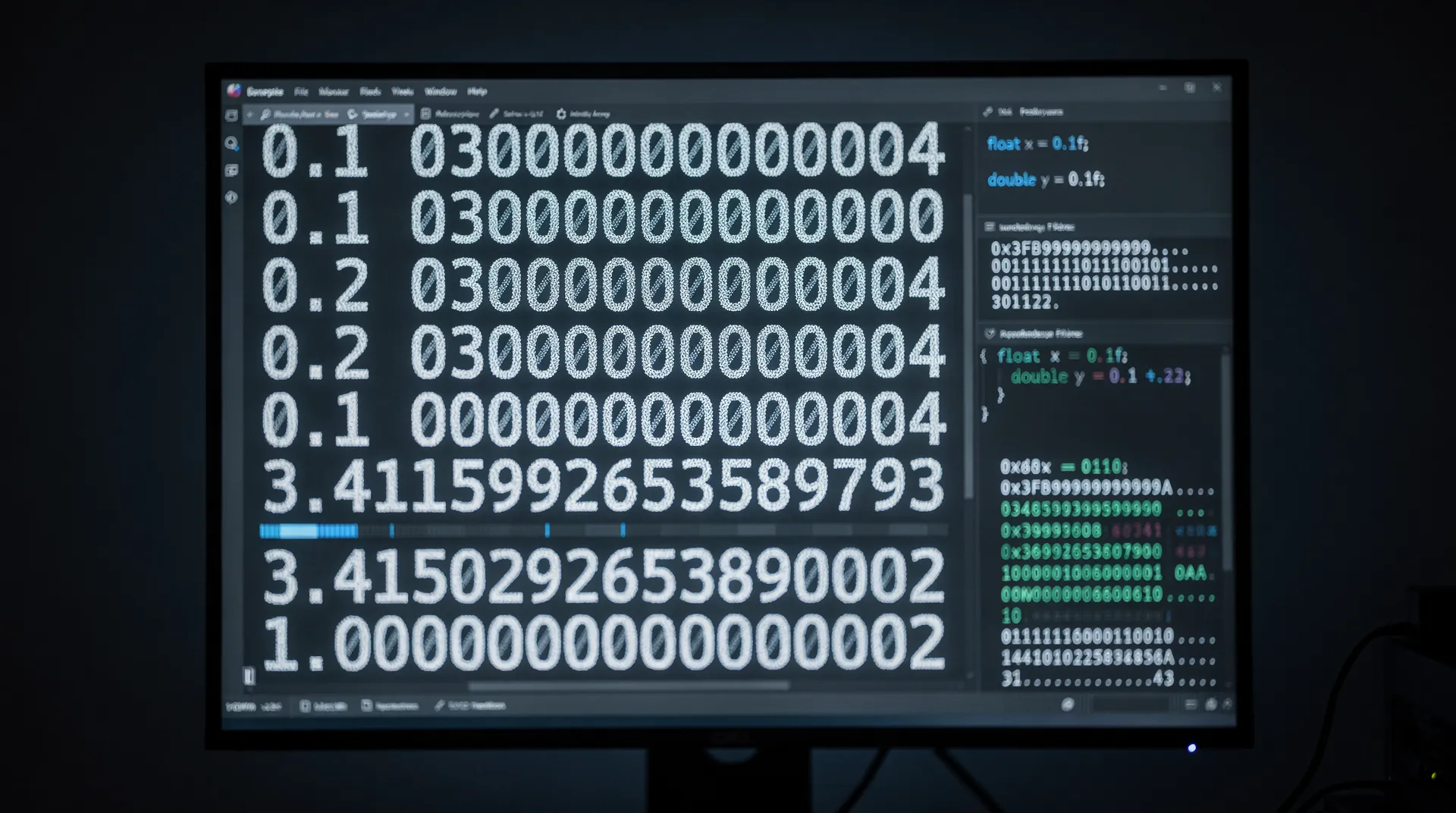
print(c)  # Outputs 0.30000000000000004
What’s happening here? The number 0.1 cannot be represented exactly in binary, just as 1/3 cannot be represented exactly in decimal. This leads to small rounding errors that can accumulate, especially in calculations where precision is key. Understanding this behavior is critical when performing comparisons or when the precision of your calculations matters.
When working with floating points, one common technique is to use the built-in round() function to mitigate precision issues. However, you must be cautious, as rounding can introduce its own set of problems.
# Rounding example
result = round(c, 2)
print(result)  # Outputs 0.3
While rounding can help in some scenarios, it’s not a silver bullet. In critical applications like financial calculations, where accuracy is paramount, it may be better to use the Decimal module, which provides a way to work with decimal floating-point arithmetic. This approach can help eliminate many of the issues associated with binary floating point representation.
from decimal import Decimal

a = Decimal('0.1')
b = Decimal('0.2')
c = a + b

print(c)  # Outputs 0.3
Using Decimal allows for more predictable results, but it comes with a performance hit compared to native float operations. This trade-off is often worth it when the integrity of your calculations is at stake. However, understanding the underlying representation of floats will always serve as a strong foundation for making informed decisions about when and how to use them.
It’s also worth noting that not all programming languages handle floating point arithmetic in the same way. Being aware of these differences can help you avoid pitfalls when transitioning between languages or working in a multi-language environment…

Amazon Fire HD 10 tablet, built for relaxation, 10.1" vibrant Full HD screen, octa-core processor, 4 GB RAM, 32 GB, Black
$154.99 (as of September 25, 2026 17:52 GMT +00:00 - More infoProduct prices and availability are accurate as of the date/time indicated and are subject to change. Any price and availability information displayed on [relevant Amazon Site(s), as applicable] at the time of purchase will apply to the purchase of this product.)Exploring the implications of float precision in Python
When performing operations with floating points, it is essential to understand the implications of precision not just for individual operations but also for the cumulative effect of multiple calculations. For instance, adding and subtracting floating point numbers can lead to results that are unexpectedly imprecise due to the way binary representation works.
# Cumulative floating point error example
total = 0.0
for i in range(10):
    total += 0.1

print(total)  # Outputs 0.9999999999999999
This highlights how repeated addition of floating point numbers can lead to inaccuracies. The result is close to 1.0, but the underlying representation does not match exactly. Such errors can compound, leading to significant discrepancies in larger calculations.
In scenarios where precision very important, consider implementing error checking mechanisms. This could involve checking if two floating point numbers are “close enough” rather than using direct equality checks. Python’s math.isclose() function offers a convenient way to compare floating point numbers with a specified tolerance.
import math

a = 0.1 + 0.2
b = 0.3

# Using isclose for comparison
if math.isclose(a, b):
    print("a and b are approximately equal")
else:
    print("a and b are not equal")
Another important aspect to consider is the impact of floating point precision on sorting and ordering operations. When using floating points as keys in sorting algorithms or data structures, small inaccuracies can lead to unexpected behavior. Always be cautious and consider transforming your data into a more stable representation if necessary.
Moreover, when working with libraries or frameworks that use floating point numbers, be aware of their internal handling of precision. Some libraries may implement their own methods for dealing with floating points, which can diverge from Python’s native behavior. This can lead to inconsistencies if not properly understood.
import numpy as np

# Example using NumPy for array operations
array = np.array([0.1, 0.2, 0.3])
print(np.sum(array))  # Outputs 0.6000000000000001
Using libraries like NumPy can provide performance benefits for numerical computations, but it’s essential to remain vigilant about how these libraries handle precision. Each operation may introduce its own floating point errors, complicating the overall accuracy of your results.
Ultimately, a deep understanding of floating point representation and its implications in Python will empower you to write more reliable and robust code. By being aware of the potential pitfalls and employing strategies to manage precision, you can navigate the complexities of floating point arithmetic with confidence.