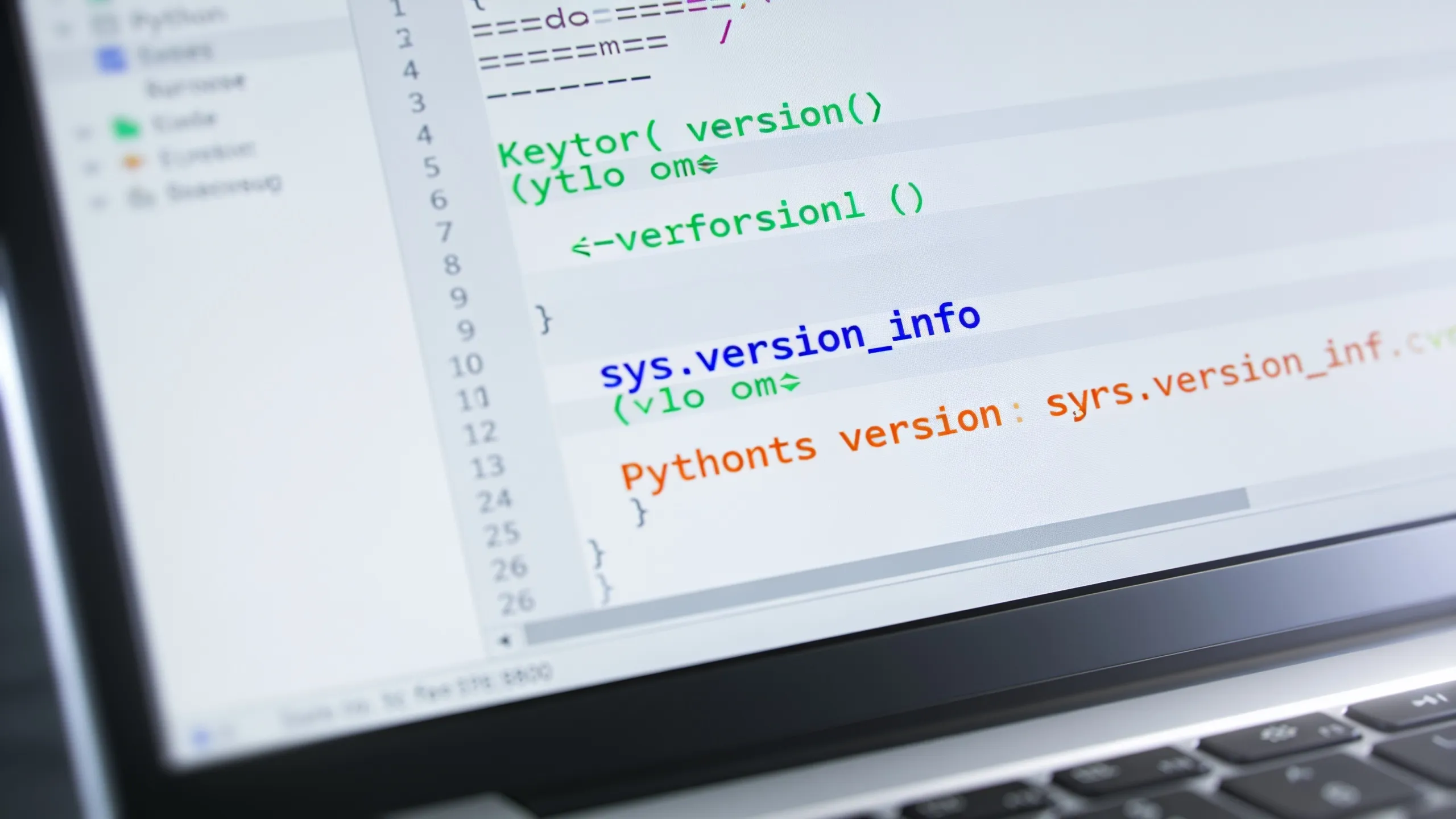
The sys.version_info attribute in Python provides a structured way to access version information about the Python interpreter being used. This is particularly useful for scripts that need to behave differently depending on the version of Python.
It returns a named tuple that contains five components: major, minor, micro, release level, and serial. Each of these components can be accessed individually, allowing for precise version checking.
import sys

version_info = sys.version_info
print("Major version:", version_info.major)
print("Minor version:", version_info.minor)
print("Micro version:", version_info.micro)
print("Release level:", version_info.releaselevel)
print("Serial:", version_info.serial)
Using sys.version_info is simpler. For instance, if you want to check if the current Python version is at least 3.6, you can do so with a simple conditional statement.
if sys.version_info >= (3, 6):
    print("Python version is 3.6 or higher.")
else:
    print("Python version is lower than 3.6.")
This approach not only enhances readability but also ensures that your code is future-proof, as it explicitly checks for version compatibility. The releaselevel component can be particularly useful when dealing with pre-release versions, such as alpha or beta releases.
if sys.version_info.releaselevel == 'alpha':
    print("You are using an alpha version of Python.")
By using sys.version_info, developers can create scripts that adapt to the environment, reducing the likelihood of errors due to version discrepancies. This adaptability very important in a landscape where packages and dependencies often require specific versions of Python to function correctly.
Another practical application involves conditional imports. Certain libraries may only be supported in newer versions of Python, and you can use version information to conditionally import modules.
if sys.version_info >= (3, 7):
    from dataclasses import dataclass
else:
    print("dataclasses module is not available in this version.")
This method of checking ensures that your code remains robust across different Python environments, which will allow you to use advanced features while maintaining compatibility with older releases. Moreover, by referencing the version information directly in your code, you can avoid the pitfalls of hardcoding version checks, which can lead to maintenance headaches down the line.
Ultimately, understanding sys.version_info is essential for any Python developer aiming to write reliable and adaptable applications. The nuances of versioning can determine the success of your project and your ability to leverage the full power of Python as it evolves. As you delve deeper into version management, consider how these checks might integrate into your build processes and deployment strategies, ensuring that your applications are resilient and responsive to the changes in the Python ecosystem.

Now retrieving an image set.
DoorDash eGift Card | Choose from Multiple Designs
$50.00 (as of September 19, 2026 12:38 GMT +00:00 - More infoProduct prices and availability are accurate as of the date/time indicated and are subject to change. Any price and availability information displayed on [relevant Amazon Site(s), as applicable] at the time of purchase will apply to the purchase of this product.)Interpreting version numbers in Python
When interpreting version numbers in Python, it’s essential to understand the significance of each component within the sys.version_info tuple. The major, minor, and micro components are straightforward; they simply indicate the primary versioning scheme. However, the releaselevel and serial components add a layer of complexity that can be critical for certain applications.
The releaselevel can take values like ‘alpha’, ‘beta’, ‘candidate’, or ‘final’. This distinction is vital when working with libraries that may not support features available in pre-release versions. For instance, if you’re developing a library that should only be used with stable releases, you can implement version checks that restrict usage to ‘final’ releases.
if sys.version_info.releaselevel != 'final':
    raise RuntimeError("This library requires a stable release of Python.")
Additionally, the serial component allows you to differentiate between multiple pre-release versions. That’s particularly useful when you want to ensure that users are running a specific version of a pre-release before proceeding with installation or execution.
if sys.version_info.releaselevel == 'beta' and sys.version_info.serial < 3:
    print("You are using a beta version this is not suitable for production.")
Another common scenario is when working with dependencies that are sensitive to version changes. For example, many modern libraries have dropped support for Python 2.x, and you may need to check if your environment is running a version this is no longer maintained.
if sys.version_info < (3, 0):
    print("This package requires Python 3 or higher.")
This level of version checking can help prevent runtime errors that arise when incompatible versions of dependencies are loaded. It also serves as a form of documentation, making it clear to other developers what versions of Python your application supports.
Moreover, version checks can be combined with feature detection, so that you can write code that gracefully falls back to alternative implementations if certain features are not available in the current Python version. This strategy can enhance the robustness of your code considerably.
try:
    from typing import TypedDict
except ImportError:
    print("TypedDict is not available in this version of Python.")
By using these techniques judiciously, you can build applications that not only run across a wide range of Python versions but also take full advantage of the language's evolving capabilities. This practice fosters a more inclusive development environment, where your code can accommodate users on different versions without sacrificing functionality or performance.
As you continue to explore the nuances of version interpretation, consider integrating these checks into your continuous integration and deployment pipelines. This ensures that your code is always tested against the appropriate versions of Python, preventing surprises during deployment and enhancing the overall quality of your software.
Practical applications of version checking
The practical applications of version checking extend beyond mere compatibility; they enable developers to craft more resilient applications. For instance, when distributing libraries, ensuring that users have the correct Python version can prevent runtime errors that would otherwise occur due to incompatible features.
One common use case is to enforce minimum version requirements for libraries. By implementing a version check at the start of your module, you can provide users with clear feedback if they’re using an outdated version of Python.
if sys.version_info < (3, 6):
    raise RuntimeError("This library requires Python 3.6 or higher.")
This not only saves users from frustration but also allows you to leverage newer language features without concern for backward compatibility issues. Additionally, it can be beneficial in environments where multiple Python versions coexist, such as in cloud deployments or on shared servers.
Another practical application is in testing frameworks. Many testing tools allow you to specify version constraints for the Python interpreter. That's particularly useful when you want to ensure that your tests run in an environment that matches the production setup.
import pytest

@pytest.mark.skipif(sys.version_info < (3, 7), reason="Requires Python 3.7 or higher")
def test_new_feature():
    assert new_feature() == expected_result
This approach keeps your test suite clean and ensures that tests for features only available in certain Python versions are not executed in incompatible environments, thereby reducing noise in test results.
Furthermore, you can use version checks to enable or disable specific functionalities based on the Python version. For example, if a new feature was introduced in Python 3.8, you might want to provide a fallback for users on earlier versions.
if sys.version_info >= (3, 8):
    # Use new feature
    feature = new_feature()
else:
    # Fallback to older implementation
    feature = old_feature()
This strategy allows your code to remain functional across various versions while still taking advantage of enhancements where available. It is a practice that aligns well with the principles of progressive enhancement in software design.
In summary, effective version checking is a vital component of robust Python programming. By implementing checks using sys.version_info, you can ensure that your applications not only run smoothly but also adapt gracefully to the evolving landscape of Python. This practice not only improves user experience but also enhances maintainability and reduces technical debt in your projects.