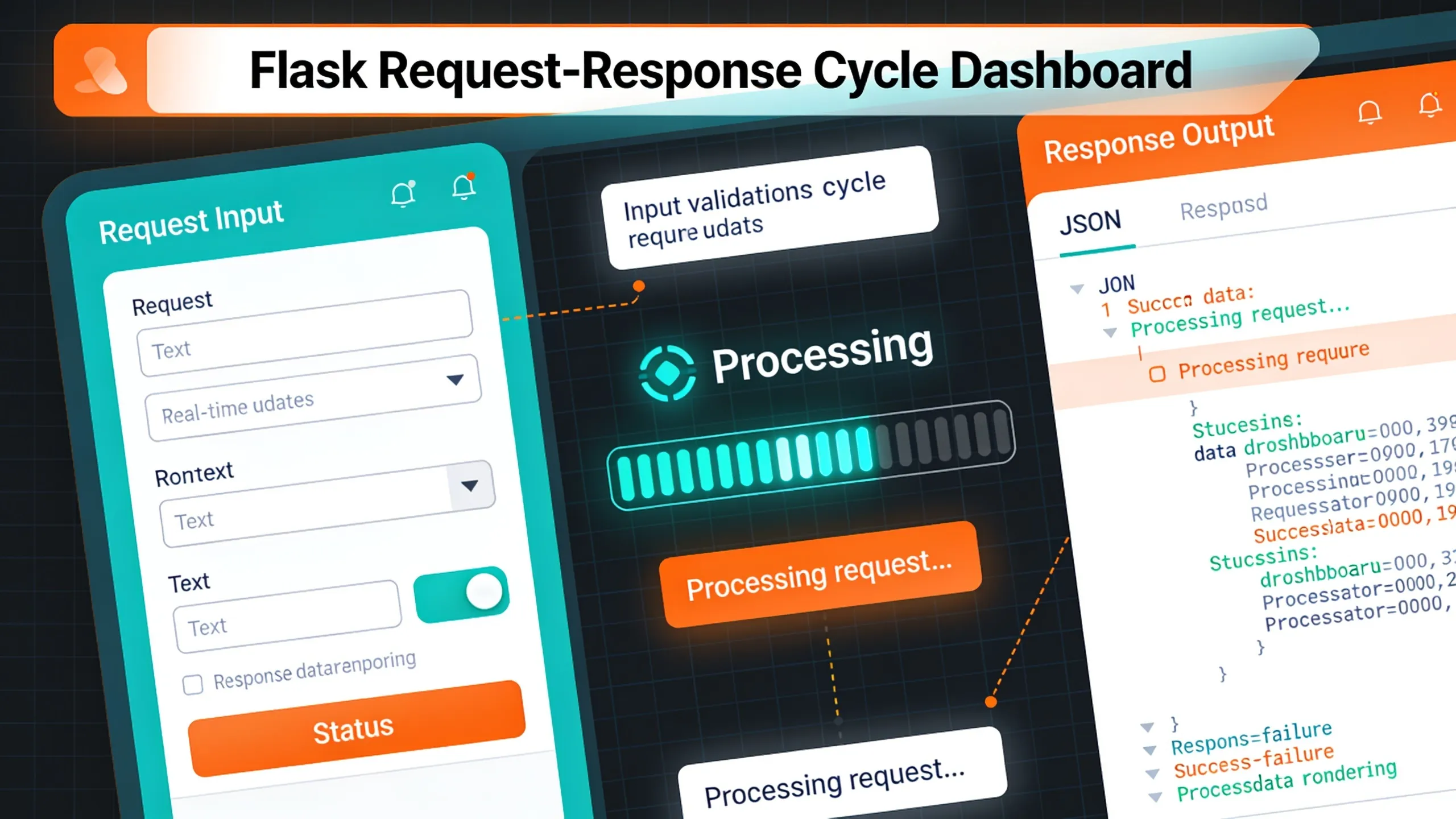
Flask operates on a simple yet powerful request-response cycle that’s foundational for building web applications. When a user sends an HTTP request, Flask routes that request to the appropriate view function. This function processes the request, interacts with any necessary data, and returns a response.
The key to understanding this cycle lies in recognizing how Flask manages incoming requests. Each request is represented as an instance of the Request class, which provides access to data such as form inputs, query parameters, and headers. This allows for a flexible interaction with client-side data.
To illustrate, consider a simple view function that handles a GET request. It retrieves data from query parameters and returns a response. That’s how you can set it up:
from flask import Flask, request

app = Flask(__name__)

@app.route('/greet', methods=['GET'])
def greet():
    name = request.args.get('name', 'World')
    return f'Hello, {name}!'
In this example, the view function greet extracts a parameter from the request URL. If the parameter name is not provided, it defaults to ‘World’. This demonstrates the fundamental interaction between the request and the response.
When a user accesses the /greet endpoint with a name parameter, Flask captures that request, invokes the greet function, and sends the constructed response back to the client. That’s the essence of the request-response cycle: capturing input, processing it, and delivering output.
Flask also handles different HTTP methods, such as POST, PUT, and DELETE, which can be used within the same route. This flexibility allows developers to create RESTful services that can efficiently respond to various types of requests.
@app.route('/submit', methods=['POST'])
def submit():
    data = request.form['data']
    return f'Data received: {data}'
In this POST example, the view function accesses form data submitted by the client. This pattern enables dynamic applications that can react to user input in real-time.
Understanding the request-response cycle is important for debugging and optimizing your Flask applications. Knowing how to manipulate the request object and craft the response effectively can lead to better performance and user experience.
As you dive deeper into Flask, consider how you can leverage middleware and hooks to extend this cycle further. Middleware can preprocess requests before they reach your routes, allowing for logging, authentication, or other cross-cutting concerns. This can enhance the overall architecture by keeping your view functions clean and focused on their primary responsibilities.
For example, implementing a simple logging middleware can help you track incoming requests without cluttering your view logic:
@app.before_request
def log_request():
    app.logger.info(f'Request: {request.method} {request.path}')
This function runs before each request, logging the method and path, which aids in monitoring application behavior over time. Middleware like this can be invaluable for diagnosing issues and understanding usage patterns.
Ultimately, mastering the request-response cycle lays the groundwork for developing sophisticated Flask applications that can efficiently handle various user interactions and data processing tasks. As you refine your skills, focus on creating robust, responsive applications that take full advantage of Flask’s capabilities, which will allow you to build solutions that are both elegant and performant.

Amazon Physical Gift Card | Mini Envelope - Amazon Designs
$25.00 (as of October 15, 2026 00:39 GMT +00:00 - More infoProduct prices and availability are accurate as of the date/time indicated and are subject to change. Any price and availability information displayed on [relevant Amazon Site(s), as applicable] at the time of purchase will apply to the purchase of this product.)Designing efficient view functions for performance
Efficiency in view functions can significantly impact the performance of your Flask application. A well-designed view function minimizes processing time and optimizes resource usage. For instance, consider the use of caching mechanisms to avoid redundant computations. Flask-Caching is a popular extension that can be easily integrated to cache results of expensive function calls.
from flask_caching import Cache

cache = Cache(app)

@app.route('/expensive_operation')
@cache.cached(timeout=60)
def expensive_operation():
    result = perform_heavy_computation()
    return f'Result: {result}'
In this example, the expensive_operation function is cached for 60 seconds. Subsequent requests within that timeframe will return the cached result, reducing the load on your server and improving response times.
Another strategy is to keep your view functions lean by abstracting complex logic into separate modules or services. This not only enhances readability but also allows for easier testing and maintenance. For example, if you have a function that processes user data, consider moving it to a dedicated service:
def process_user_data(user_id):
    # Logic to process user data
    return processed_data

@app.route('/process_user/')
def process_user(user_id):
    data = process_user_data(user_id)
    return f'Processed data for user {user_id}: {data}'
This separation of concerns allows your view function to focus solely on request handling while delegating the heavy lifting to a dedicated function. It’s a common practice in software engineering to follow the Single Responsibility Principle.
When designing view functions, consider the use of asynchronous processing for tasks that can be performed in the background. Flask can be integrated with tools like Celery to handle long-running tasks without blocking the request-response cycle:
from celery import Celery

celery = Celery(app.name, broker='redis://localhost:6379/0')

@celery.task
def background_task(data):
    # Simulate a long-running task
    return f'Task completed with {data}'

@app.route('/start_task/')
def start_task(data):
    task = background_task.delay(data)
    return f'Task started: {task.id}'
In this setup, the start_task view function initiates a background task, allowing the client to receive an immediate response while the task is processed asynchronously. This model is essential for maintaining responsiveness in web applications.
Additionally, consider using Flask’s built-in features like abort to handle errors gracefully within your view functions. By using exceptions, you can provide meaningful feedback to clients without complicating your logic:
from flask import abort

@app.route('/item/')
def get_item(item_id):
    item = find_item(item_id)
    if not item:
        abort(404, description="Item not found")
    return f'Item: {item}'
Using abort allows you to handle error conditions succinctly, improving the user experience by returning appropriate HTTP status codes. This approach fosters a clean and maintainable codebase.
Focus on writing efficient and clean view functions by using caching, separating concerns, using asynchronous processing, and handling errors effectively. These practices will contribute to the overall performance and maintainability of your Flask applications, ensuring that they can scale and adapt to growing user demands.
Using Flask routing for clean application structure
Flask routing plays an important role in establishing a clean structure for your application. It allows you to define endpoints that correspond to specific functions, facilitating clear and organized code. The routing system in Flask is highly flexible, allowing you to create dynamic URLs that can accept variable parameters.
To create a dynamic route, you can specify variable parts in the URL using angle brackets. This allows your application to capture values directly from the URL, making it easier to handle different resources. Here’s an example of defining a route that accepts a user ID:
@app.route('/user/')
def get_user(user_id):
    user = fetch_user(user_id)
    return f'User ID: {user_id}, User Data: {user}'
In this setup, the route /user/<int:user_id> captures an integer value from the URL and passes it to the get_user function. This approach enhances the readability of your code and allows for more RESTful URL structures.
Moreover, you can define multiple routes for the same function, which can be beneficial for handling different HTTP methods or variations of a resource. For instance, you might want to allow both viewing and editing user data through different routes:
@app.route('/user/', methods=['GET'])
def view_user(user_id):
    user = fetch_user(user_id)
    return f'Viewing User: {user}'

@app.route('/user/', methods=['PUT'])
def edit_user(user_id):
    update_user(user_id, request.json)
    return f'User {user_id} updated!'
This pattern of defining routes provides clarity in your application’s structure, making it evident which methods are available for each endpoint. It also adheres to RESTful principles, which can enhance the usability of your API.
Flask also supports route grouping through blueprints, which allow you to organize your application into reusable components. That’s particularly useful for larger applications, as it helps maintain a modular structure. Here’s how you can define a blueprint:
from flask import Blueprint

user_bp = Blueprint('user', __name__)

@user_bp.route('/user/')
def user_profile(user_id):
    user = fetch_user(user_id)
    return f'Profile of User {user_id}: {user}'

app.register_blueprint(user_bp, url_prefix='/api')
In this example, all user-related routes are encapsulated within the user_bp blueprint, prefixed with /api. This encapsulation promotes cleaner code organization and can simplify maintenance as your application grows.
Additionally, Flask allows you to define custom converters for route parameters, which can be useful for enforcing specific formats or types. This can enhance input validation directly within your route definitions:
class FloatConverter(BaseConverter):
    def to_python(self, value):
        return float(value)

app.url_map.converters['float'] = FloatConverter

@app.route('/price/')
def show_price(price):
    return f'The price is: ${price}'
By creating a custom converter, you ensure that the price parameter is always a float, reducing the need for additional validation logic within your view functions.
Using Flask’s routing capabilities effectively allows you to create a well-structured application this is easy to navigate and maintain. Focus on using dynamic routes, blueprints, and custom converters to create a robust routing schema that enhances both development and user experience.