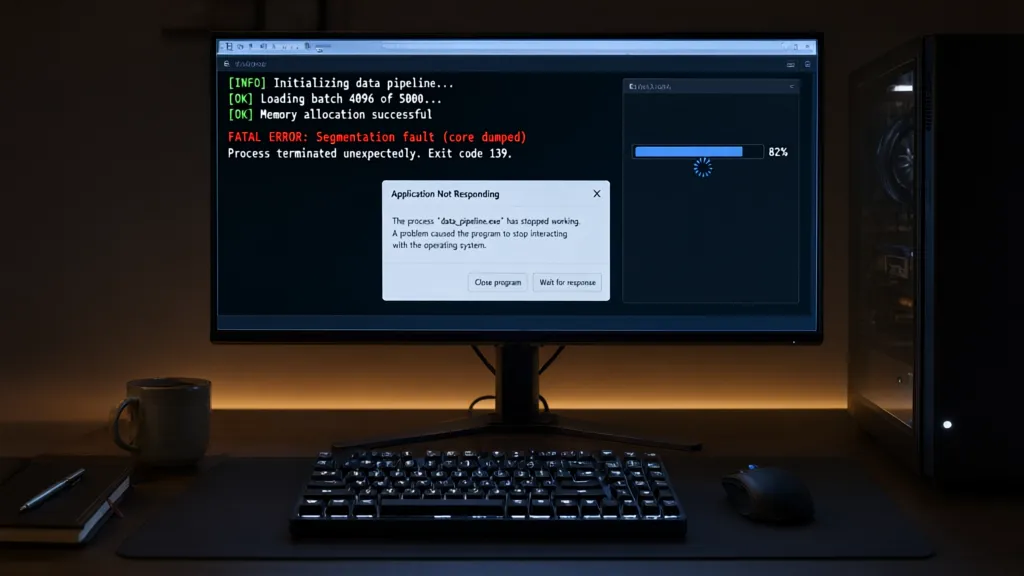
os._exit(status) terminates the current process immediately. It passes the integer status to the operating system and bypasses Python’s normal shutdown sequence: pending buffered output is not flushed, finally blocks are not run, and registered atexit handlers are not called.
That is a process-level stop, not an exception. The call does not return, and surrounding exception handlers cannot intercept it. For example, if standard output is redirected and buffered, the text below may never reach the destination:
import os
import sys

sys.stdout.write("This may remain in the Python buffer")
os._exit(3)
Run code like this only in a disposable process; it ends the interpreter executing it. The operating system still reclaims process resources such as memory and open file descriptors, but Python-level cleanup that could flush, commit, or release application state does not run.
The status value is reported to the parent or shell as the process exit status, subject to platform conventions. On POSIX systems, only the low eight bits are available as the exit status, so values outside the range 0–255 are not preserved as-is.

Amazon Physical Gift Card | Mini Envelope - Birthday
(as of November 13, 2026 01:03 GMT +00:00 - More infoProduct prices and availability are accurate as of the date/time indicated and are subject to change. Any price and availability information displayed on [relevant Amazon Site(s), as applicable] at the time of purchase will apply to the purchase of this product.)How os._exit differs from sys.exit
sys.exit(status) raises SystemExit; it does not directly terminate the process. If that exception escapes the main thread, Python unwinds the stack, runs applicable finally blocks, and proceeds through interpreter shutdown. Buffered streams are flushed and registered atexit handlers run during normal shutdown.
import sys

try:
    do_work()
finally:
    release_python_resources()

sys.exit(2)
The status argument is carried by the exception. An integer becomes the process exit status; a non-integer is printed to standard error and normally produces status 1. Code can catch SystemExit, so a broad exception handler may prevent the requested exit:
import sys

try:
    sys.exit(2)
except Exception:
    print("This does not catch SystemExit")
except SystemExit as exc:
    print("Exit requested:", exc.code)
SystemExit derives directly from BaseException, rather than Exception, which is why ordinary except Exception handlers do not intercept it. In a worker thread, an uncaught SystemExit terminates that thread, not the entire process. By contrast, os._exit(status) ends the process immediately, regardless of which thread calls it, without unwinding Python frames or running interpreter shutdown hooks.
When bypassing cleanup is necessary
The canonical use is in a child created by fork(). The child inherits a copy of the parent’s user-space state, including buffered output and registered shutdown handlers. Letting the child exit through normal Python shutdown can flush buffers copied from the parent or run handlers that were intended to run only in the parent.
import os

pid = os.fork()

if pid == 0:
    # Child process: do child work, then stop without parent-side shutdown.
    result = perform_child_work()
    os._exit(0 if result else 1)

# Parent process continues here.
The distinction matters because fork() duplicates memory, not the underlying file descriptions. If the parent has buffered text when it forks, both processes may later flush the same copied buffer. A child that must report a small result can write it explicitly, then terminate without invoking inherited cleanup:
import os

pid = os.fork()

if pid == 0:
    try:
        result = perform_child_work()
        message = b"okn" if result else b"failedn"
        os.write(1, message)
        os._exit(0 if result else 1)
    except BaseException:
        os._exit(1)

wait_for_child(pid)
Use this only after the child has reached a point where Python-level cleanup is intentionally unwanted. If the child owns resources that require orderly release, or its output must pass through Python’s buffered streams, normal shutdown is the wrong behavior to bypass.
The risks of abrupt process termination
The main risk is stopping between two operations that the application treats as one. Python does not get a chance to flush buffered data, close libraries cleanly, roll back a transaction, or release application-level locks. The operating system closes the process’s file descriptors, but that does not make a multi-step update atomic. A file may contain only a prefix of the intended output, and a remote service may have received a request even though the process never recorded its response.
import os
import pickle

with open("state.bin", "wb") as stream:
    pickle.dump(new_state, stream)
    os._exit(1)
The abrupt stop can leave the file truncated or otherwise unusable. For durable file replacement, write a complete temporary file, flush it, and replace the old path only after the new contents are ready:
import os
import pickle
import tempfile

directory = "."
fd, temporary_path = tempfile.mkstemp(dir=directory)

try:
    with os.fdopen(fd, "wb") as stream:
        pickle.dump(new_state, stream)
        stream.flush()
        os.fsync(stream.fileno())

    os.replace(temporary_path, "state.bin")
except BaseException:
    try:
        os.unlink(temporary_path)
    except FileNotFoundError:
        pass
    raise
Even careful file handling cannot make unrelated effects atomic. If a process sends a payment request and exits before storing the returned transaction identifier, retrying the operation may send the payment twice. External operations need their own failure model, such as idempotency keys or a durable operation log; abrupt termination does not undo work already accepted by another system.
Buffered output is another common source of misleading results. A call to print() may only copy text into a Python buffer. If the process exits immediately afterward, a terminal, pipe, or log collector may receive none of it. Calling flush() first reduces that risk for Python’s buffer, though it does not guarantee that a downstream consumer has processed or durably stored the bytes.
import os
import sys

print("worker finished", flush=True)
os._exit(0)
Calling os._exit() from one thread terminates every thread in the process. Other threads may be partway through updating shared state, holding locks, or communicating with another process. The operating system releases process-owned resources, but peers can still observe incomplete protocol messages or be left waiting for data that will never arrive.
In a forked child, inherited locks and library state add another hazard. A lock held by a thread that did not survive the fork may remain locked in the child. Avoid invoking complex library code in that child; if orderly work is required, prefer a process creation method that starts a fresh interpreter, or use a worker process designed to own its resources and shut down normally.
Tests that exercise abrupt termination should run the target code in a separate process. Otherwise the test runner itself disappears, and state buffered by the runner may be lost:
import subprocess
import sys

result = subprocess.run(
    [sys.executable, "worker.py"],
    capture_output=True,
    text=True,
)

print("status:", result.returncode)
print("stdout:", result.stdout)
print("stderr:", result.stderr)