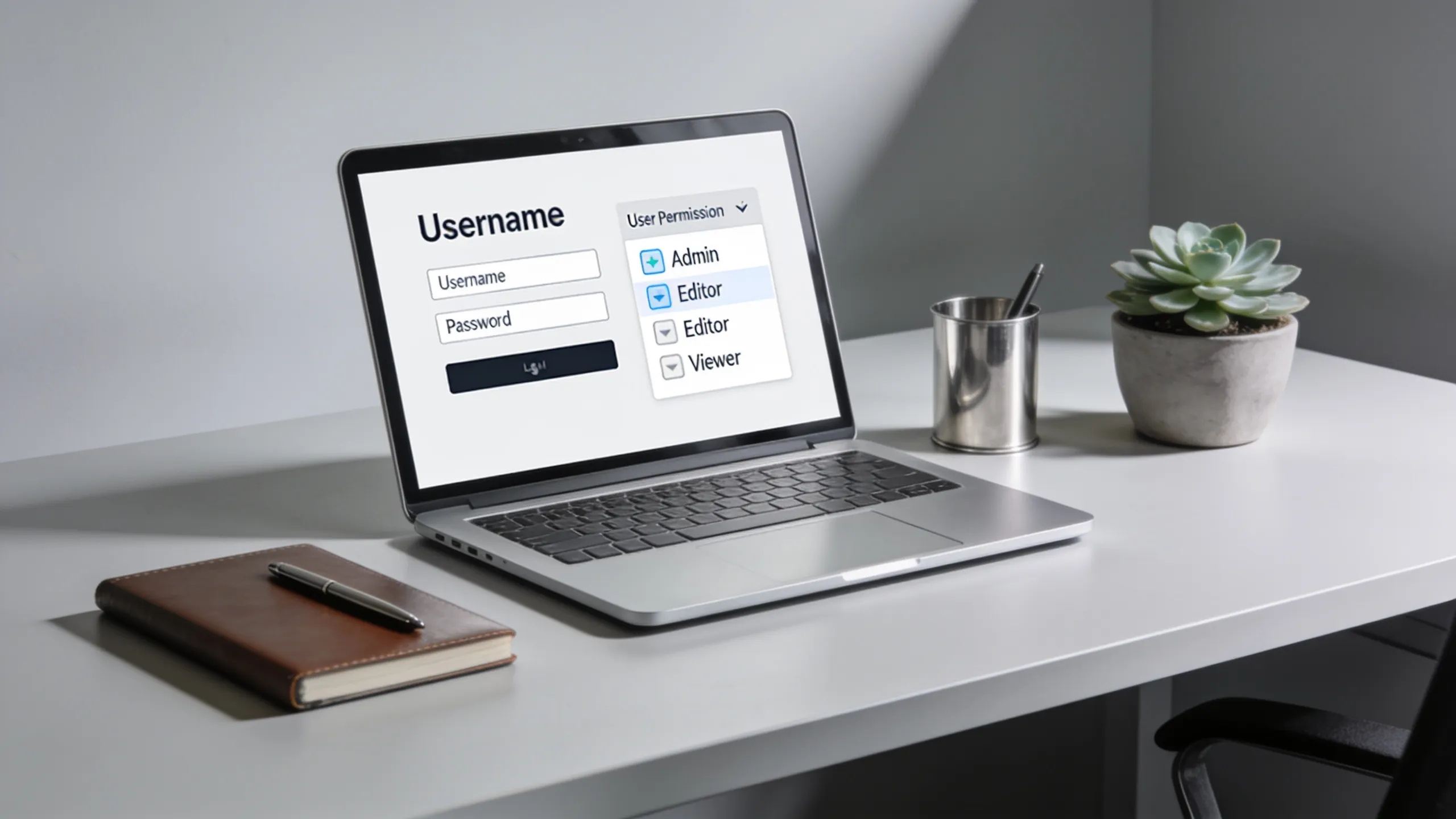
Django’s user model is a cornerstone for managing user authentication and permissions in your web applications. At its core, the user model provides essential fields such as username, password, email, first name, and last name. However, the model is highly customizable, allowing developers to extend its functionality according to their project needs.
To create a custom user model, you can extend AbstractBaseUser and PermissionsMixin. This approach gives you the flexibility to add additional fields and methods while retaining the built-in authentication functionality. Below is an example of how to define a custom user model:
from django.contrib.auth.models import AbstractBaseUser, BaseUserManager, PermissionsMixin
from django.db import models

class CustomUserManager(BaseUserManager):
    def create_user(self, email, password=None, **extra_fields):
        if not email:
            raise ValueError('The Email field must be set')
        email = self.normalize_email(email)
        user = self.model(email=email, **extra_fields)
        user.set_password(password)
        user.save(using=self._db)
        return user

    def create_superuser(self, email, password=None, **extra_fields):
        extra_fields.setdefault('is_staff', True)
        extra_fields.setdefault('is_superuser', True)
        return self.create_user(email, password, **extra_fields)

class CustomUser(AbstractBaseUser, PermissionsMixin):
    email = models.EmailField(unique=True)
    first_name = models.CharField(max_length=30, blank=True)
    last_name = models.CharField(max_length=30, blank=True)
    is_active = models.BooleanField(default=True)
    is_staff = models.BooleanField(default=False)

    objects = CustomUserManager()

    USERNAME_FIELD = 'email'
    REQUIRED_FIELDS = []
Once you have defined your custom user model, you need to inform Django about it by adding the following line in your settings:
AUTH_USER_MODEL = 'yourapp.CustomUser'
With this setup, you can leverage Django’s built-in authentication views while customizing the user experience. It’s essential to think through the fields you need early on, as changing the user model after migrations can lead to complex migrations and data integrity issues.
Django also provides built-in signals such as post_save, which can be useful for triggering actions after a user instance is created or updated. For instance, you might want to automatically create a user profile when a new user is created:
from django.db.models.signals import post_save
from django.dispatch import receiver
from .models import CustomUser, UserProfile

@receiver(post_save, sender=CustomUser)
def create_user_profile(sender, instance, created, **kwargs):
    if created:
        UserProfile.objects.create(user=instance)
Understanding the intricacies of Django’s user model not only aids in creating robust authentication systems but also enhances your application’s security and user experience. By using custom user models and related signals, you can build a tailored solution that meets your specific requirements.

Replacement for Chromebook Charger 45W USB C,for HP Type C Laptop All | Compatible with HP Chromebook Laptop Type C,USB C Laptop Charger,Computer Power Adapter For All,GKLSPL Laptop Charger
$8.98 (as of October 24, 2026 20:23 GMT +00:00 - More infoProduct prices and availability are accurate as of the date/time indicated and are subject to change. Any price and availability information displayed on [relevant Amazon Site(s), as applicable] at the time of purchase will apply to the purchase of this product.)Implementing permissions for enhanced security
Implementing permissions in Django is important for enhancing security and ensuring that users have appropriate access to various parts of your application. Django’s built-in permissions framework allows you to define specific permissions for your models, enabling fine-grained control over what users can do.
Each model can define its own permissions in the Meta class. For example, you might want to create permissions for creating, updating, and deleting instances of a model:
class MyModel(models.Model):
    name = models.CharField(max_length=100)

    class Meta:
        permissions = [
            ('can_create_mymodel', 'Can create MyModel'),
            ('can_update_mymodel', 'Can update MyModel'),
            ('can_delete_mymodel', 'Can delete MyModel'),
        ]
Once you have defined permissions, you can assign them to users or groups. Django provides a convenient way to manage permissions using the admin interface, but you can also do this programmatically:
from django.contrib.auth.models import User, Permission

user = User.objects.get(username='example_user')
permission = Permission.objects.get(codename='can_create_mymodel')
user.user_permissions.add(permission)
To check if a user has a specific permission, you can use the has_perm method. That’s particularly useful for controlling access in your views:
from django.shortcuts import render
from django.http import HttpResponseForbidden

def my_view(request):
    if not request.user.has_perm('yourapp.can_create_mymodel'):
        return HttpResponseForbidden("You do not have permission to create MyModel.")
    # Proceed with the logic for authorized users
Another effective way to manage permissions is by using Django’s group feature. Groups allow you to bundle multiple permissions together and assign them to users, simplifying permission management:
from django.contrib.auth.models import Group

group = Group.objects.create(name='Editors')
group.permissions.add(permission)  # Add the previously defined permission
user.groups.add(group)  # Add user to the group
It’s important to keep in mind that permissions can be inherited. If a user belongs to a group that has certain permissions, they will inherit those permissions automatically. This can simplify your permission structure significantly, especially in larger applications.
In addition to defining and managing permissions, you can also implement custom permission checks in your views or templates. For example, you might want to display or hide certain elements based on the user’s permissions:
{% if request.user.has_perm('yourapp.can_update_mymodel') %}
{% endif %}
By effectively implementing and managing permissions, you can ensure that your application remains secure and that users only have access to the features and data they’re authorized to use. This not only protects sensitive information but also enhances the overall user experience by providing a tailored interface based on user roles and permissions.
When it comes to best practices for managing user authentication, it’s essential to consider the security implications of your choices. Always use Django’s built-in authentication system whenever possible, as it has been rigorously tested for vulnerabilities. Additionally, consider using strong password policies, such as requiring a minimum length and a mix of character types:
from django.contrib.auth.password_validation import validate_password
from django.core.exceptions import ValidationError

def validate_user_password(password):
    try:
        validate_password(password)
    except ValidationError as e:
        return e.messages
Furthermore, enable two-factor authentication (2FA) for an additional layer of security. Libraries like django-otp can be integrated into your application to provide users with one-time codes for authentication:
# In your settings.py
INSTALLED_APPS = [
    ...
    'otp',
]
By following these best practices, you can significantly reduce the risk of unauthorized access and enhance the security of your Django applications. Always stay updated with the latest security practices and continuously evaluate your authentication mechanisms to adapt to new threats. Understanding these concepts thoroughly will empower you to build secure, robust applications that stand the test of time and meet your users’ needs effectively.
Best practices for managing user authentication
Django’s user authentication system must be managed with care to ensure both usability and security. One of the best practices is to use Django’s built-in features for password management. This includes enforcing strong password policies and using the built-in password validators. You can configure validators in your settings to require complexity in user passwords:
AUTH_PASSWORD_VALIDATORS = [
    {
        'NAME': 'django.contrib.auth.password_validation.UserAttributeSimilarityValidator',
    },
    {
        'NAME': 'django.contrib.auth.password_validation.MinimumLengthValidator',
        'OPTIONS': {
            'min_length': 8,
        },
    },
    {
        'NAME': 'django.contrib.auth.password_validation.CommonPasswordValidator',
    },
    {
        'NAME': 'django.contrib.auth.password_validation.NumericPasswordValidator',
    },
]
Another important aspect of user authentication is the management of sessions. Django provides session middleware that handles session creation and management. It’s crucial to configure session settings to improve security:
SESSION_COOKIE_SECURE = True  # Use HTTPS to transmit the cookie
SESSION_EXPIRE_AT_BROWSER_CLOSE = True  # End session when the browser is closed
SESSION_COOKIE_HTTPONLY = True  # Prevent JavaScript access to the cookie
Additionally, consider implementing user account lockout policies to prevent brute-force attacks. You can achieve this by tracking failed login attempts and locking the account after a specified number of failures:
from django.contrib.auth.signals import user_login_failed
from django.dispatch import receiver
from django.core.cache import cache

@receiver(user_login_failed)
def increment_login_failed(sender, credentials, **kwargs):
    username = credentials.get('username')
    key = f"failed_login_attempts_{username}"
    failed_attempts = cache.get(key, 0) + 1
    cache.set(key, failed_attempts, timeout=300)  # Lockout for 5 minutes
To implement account lockout, you can check the number of failed attempts during login:
def login_view(request):
    username = request.POST.get('username')
    key = f"failed_login_attempts_{username}"
    failed_attempts = cache.get(key, 0)

    if failed_attempts >= 5:
        return HttpResponse("Your account is locked due to too many failed login attempts.")

    # Proceed with authentication
Moreover, always ensure that sensitive data is transmitted securely. Use HTTPS for your Django application to protect user credentials and other sensitive information during transmission. You can enforce HTTPS by setting the following in your settings:
SECURE_PROXY_SSL_HEADER = ('HTTP_X_FORWARDED_PROTO', 'https')
SECURE_SSL_REDIRECT = True
Using Django’s security features, such as CSRF protection and XSS protection, is also essential. Ensure that you do not disable these protections and follow Django’s recommendations for secure coding practices.
Lastly, consider implementing a user notification system for security-related events, such as password changes or login attempts from new devices. This not only enhances user awareness but also adds an extra layer of security:
from django.core.mail import send_mail

def notify_user(user):
    send_mail(
        'Security Alert',
        'Unusual login attempt detected.',
        '[email protected]',
        [user.email],
        fail_silently=False,
    )